How do you get more Google reviews for a restaurant?
A hungry guest compares two places on the same street. Often the one with more recent reviews wins the visit. Those reviews rarely arrive by luck. Stores earn them by asking every guest, every shift. The steps cost nothing and work in every location.
Ask every guest the same way, every shift. Get your free review link and QR code from Google. Put the code on receipts and tables. Never ask only happy guests. Never trade a discount for a review, or give staff a quota. Reply to every review, good or bad. Count new reviews each week, per location.
CreatoRain Team7 min read
CreatoRain is a done-for-you restaurant influencer marketing service for chains and franchises: CreatoRain's in-house team finds, invites and pays food creators and follows up until each video is posted.

Why do review count and freshness matter so much?
Guests read your reviews before they read your menu. Google reads them too. Its help page on local ranking files review count under prominence. It says more reviews and positive ratings can help a business’s local ranking.
- won’t use a business with fewer than 20 reviews
- 47%
- only care about reviews from the last three months
- 74%
- will only use a business rated 4.5 stars or more
- 31%
Freshness is the part most owners miss. A long list of old reviews does less than a steady stream of new ones. So the goal is not a one-week push before a busy season. It is a habit that adds a few reviews every week. That habit runs on asking. In the same survey, 78% of people had been asked to write a review in the past year. And 28% said they will always write one when asked.
What does Google allow when you ask for reviews?
Google lets you ask. Its Maps content policy allows merchants to “solicit or encourage the posting of content that does represent a genuine experience.” The same line adds two limits. You can’t offer a reward, and you can’t try to steer the rating or the words.
| What you do | What Google’s policy says |
|---|---|
| Ask every guest, with a link or a QR code | Allowed. Google’s own help pages tell you to print the QR code and add the link to receipts. |
| Ask only the guests who seem happy | Not allowed. Merchants may not “selectively solicit positive reviews from customers.” |
| Offer a discount, a free item or cash for a review | Not allowed. The policy bans incentives “such as payment, discounts, free goods and/or services.” |
| Give staff a number of reviews to collect | Not allowed. The policy names “staff solicit a certain number of reviews.” |
| Ask guests to name their server | Not allowed. Staff may not ask for content “that identifies a staff member.” |
| Press guests to post before they leave | Not allowed. Merchants should not “require or pressure users” to review while on the premises. |
Look at the last row again. Asking at the table is fine. Standing over a guest until they post is not. Give them the code and let them do it later.
What is review gating, and why does it get you in trouble?
Review gating means filtering guests before they get to the review page. A common setup sends a short survey after the visit. Guests who pick a high score see the Google link. Guests who pick a low score see a private form instead. Some review tools offer it as a feature.
Signs a review tool is gating
- It asks for a star rating before it shows any review link
- Only high scores ever see the Google button
- Low scores land on a private form with no Google link
- Its sales page promises to keep bad reviews off Google
Google’s policy names the practice. Merchants may not “discourage or prohibit negative reviews, or selectively solicit positive reviews.” So a tool that filters guests breaks the rule, even if every review it collects is honest.
Google can also act on the whole profile. For fake engagement, such as paid reviews, it may block new reviews for a set period. It may unpublish your existing reviews for a time. It may show guests a warning that fake reviews were removed. Don’t bet a store’s profile on a tool that bends Google’s rules.
How do you get your Google review link and QR code?
- Open your Business Profile on a computer. Google says review QR codes can’t be made on a phone.
- Select Read Reviews, then Get more reviews.
- Select Copy to copy the review link.
- Right-click the QR code and choose Save image as to download it.
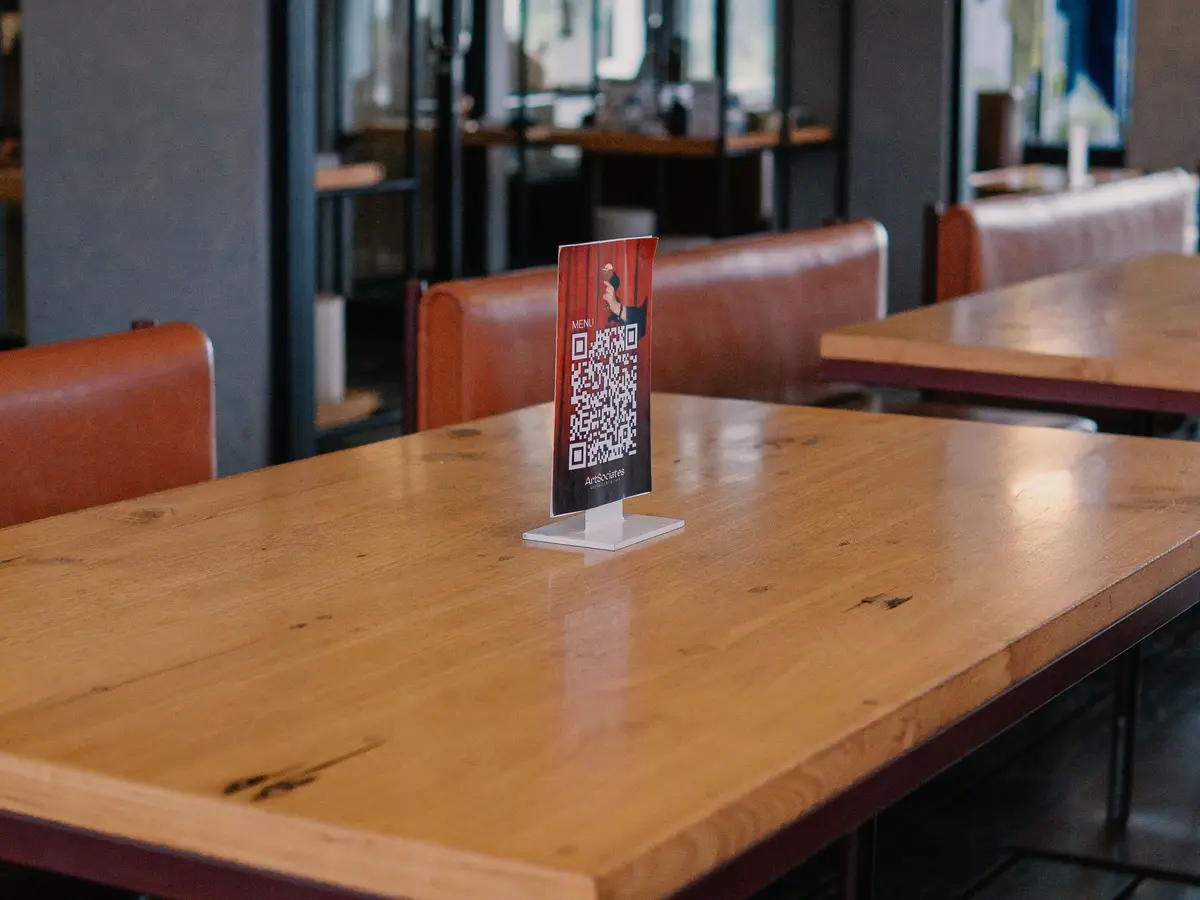
Each location has its own profile, so each needs its own link and code. Name the files by store before anyone prints them. A table tent with the wrong store’s code sends reviews to the wrong place.
The link and the code cost nothing. Your real costs are printing and a few seconds of staff time per table. Scan every printed code once before it goes out.
Where should a restaurant ask for reviews?
Where to put your review link
- Printed receipts and the check presenter
- A QR code on table tents and at the register
- Thank-you emails after reservations and catering orders
- Online order confirmations and pickup texts
- The end of a chat with a guest
- A pinned post on your Facebook page
Google’s help pages suggest receipts, thank-you emails and a QR code in the store. They also mention review requests by email, WhatsApp or a Facebook post. The rest of the list follows the same idea. Put the link where a guest already looks after paying.
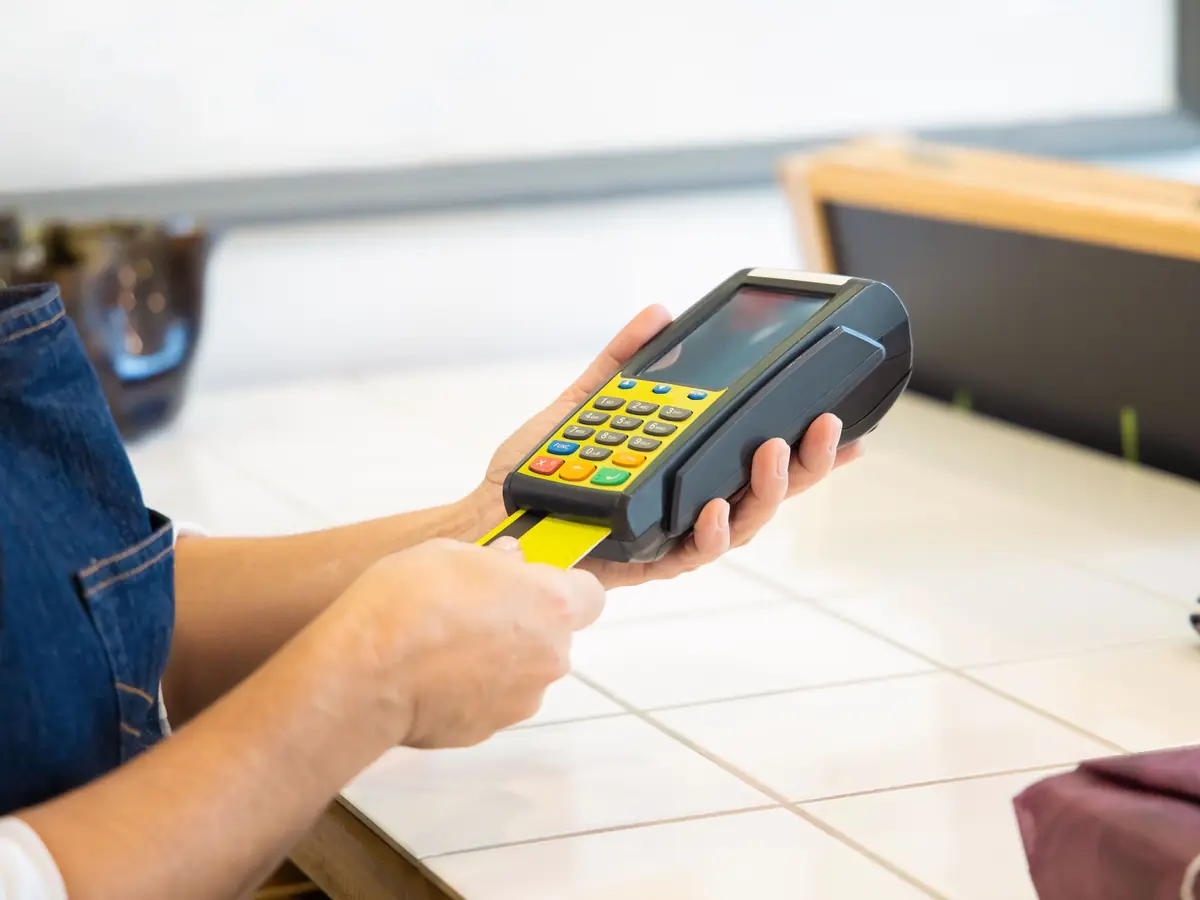
Ask after the meal, not during it. A guest asked mid-meal has nothing to review yet. A guest asked at the door, with staff watching, may feel pushed. Google tells merchants not to pressure guests on the premises.
What should staff say when they ask?
Give every shift one line, and use it with every guest. The same words for everyone are your clearest proof that nobody was picked. Keep it short enough to say while clearing plates.
Leave these out of the ask
- Asking for five stars, or a “great” review
- Asking guests to mention a server by name
- A target number of reviews for each server
- Any prize, discount or drawing tied to reviewing
Each of those breaks a line in Google’s policy. The staff contest is an easy one to walk into.
Can you offer a discount or a free dessert for a review?
No. Google forbids any reward for a review, good or bad. Reviews posted for one “are not allowed and will be removed from Maps.” The Maps content policy also bans rewards for changing or removing a bad review.
Rewards that still count as rewards
- A discount on the next visit
- A free appetizer or dessert
- Loyalty points for posting
- An entry into a monthly drawing
It does not matter what the review says. A reward for an honest one-star review is still a reward. For Google reviews, the answer is always no.
Can staff, friends or family review your restaurant?
Not on Google. Its policy treats a review based on a conflict of interest as rating manipulation. It names “current or former employment” and “familial relationships” among the conflicts.
Keep these reviews off your Google profile
- Owners, managers and staff, current or former
- Family members of the owner or the staff
- Suppliers, partners and any agency you pay
- Anyone posting about a competitor’s restaurant
This holds even when the review is honest. A server who loves the new menu still has a stake in the store. A brother-in-law with a five-star story does too. Google decides what stays on Maps, and it counts both as conflicts.
Should you ask for Yelp reviews too?
Yelp takes a harder line than Google. Its support page tells businesses “Don’t ask anyone to review your business.” It says its software may not recommend reviews that seem prompted. It also says “Your staff should never compete to collect reviews.”

So point your codes and links at Google only. Don’t put a Yelp link in the same email. Guests who like Yelp will still find you there. Your job on Yelp is an accurate listing and a reply to what comes in.
Check the Yelp listing for each store every season. Fix the hours, the menu link and the photos. Reply to new Yelp reviews the same way you reply on Google. A short, specific reply helps a guest there too.
How should you reply to reviews, good and bad?
- expect the owner to respond to reviews
- 89%
- expect a response within a week
- 81%
- are put off by templated or generic replies
- 50%
Reply to every review, not only the bad ones. Keep it short and specific. Google’s own tips say not to use replies to push deals. Mention a detail from the visit instead.
For a bad review, apologize where it fits and fix what you can. Ask the guest to call or email so you can sort it out privately. Never post their private details. Never threaten them or press them to take the review down.
How do you run this across several locations?
Check with head office before you start
- Who owns and manages each location’s Google profile
- Whether the brand already sends review requests through its POS or app
- Brand rules for review replies and table signage
- Whether a review tool is approved, and whether it gates
Then run the same play in every store. Use one script everywhere. Give each store its own code. Name one person who writes the replies. Count new Google reviews per location each week. Compare each store with its own last month, not with your busiest store. Reviews sit beside the other local marketing a franchisee runs, so plan them together.
Reviews and creator videos do different jobs. A review is a guest’s own words on your profile. A creator video shows new guests what a visit looks like. CreatoRain makes done-for-you creator videos for chains and franchises, at $300 a video with the creator’s pay included. Never ask a creator for a Google review in return for a meal. See what to do when a creator never posts.
Sources and method
Where each number comes from
- “1,002 US adults” — Local Consumer Review Survey 2026 (BrightLocal, February 11, 2026). Read October 7, 2026.
- “47%” — Local Consumer Review Survey 2026 (BrightLocal, February 11, 2026). Read October 7, 2026.
- “fewer than 20 reviews” — Local Consumer Review Survey 2026 (BrightLocal, February 11, 2026). Read October 7, 2026.
- “74%” — Local Consumer Review Survey 2026 (BrightLocal, February 11, 2026). Read October 7, 2026.
- “31%” — Local Consumer Review Survey 2026 (BrightLocal, February 11, 2026). Read October 7, 2026.
- “4.5 stars” — Local Consumer Review Survey 2026 (BrightLocal, February 11, 2026). Read October 7, 2026.
- “78%” — Local Consumer Review Survey 2026 (BrightLocal, February 11, 2026). Read October 7, 2026.
- “28%” — Local Consumer Review Survey 2026 (BrightLocal, February 11, 2026). Read October 7, 2026.
- “89%” — Local Consumer Review Survey 2026 (BrightLocal, February 11, 2026). Read October 7, 2026.
- “81%” — Local Consumer Review Survey 2026 (BrightLocal, February 11, 2026). Read October 7, 2026.
- “50%” — Local Consumer Review Survey 2026 (BrightLocal, February 11, 2026). Read October 7, 2026.
- “$300” — As published on our pricing page.
Pages quoted in this article
- Prohibited & restricted content — Maps User Generated Content Policy (Google) Read October 7, 2026.
- Tips to get more reviews (Google Business Profile Help) Read October 7, 2026.
- Create a Google link or QR code to request reviews (Google Business Profile Help) Read October 7, 2026.
- Business Profile restrictions for policy violations (Google Business Profile Help) Read October 7, 2026.
- Tips to improve your local ranking on Google (Google Business Profile Help) Read October 7, 2026.
- Local Consumer Review Survey 2026 (BrightLocal, February 11, 2026) Read October 7, 2026.
- Don’t Ask for Reviews (Yelp Support Center) Read October 7, 2026.
Related questions
All 5 guides on Local & Google →Run more than one location? See how CreatoRain works for restaurant chains. See real campaigns in our case studies.