How do you run a 30-day creator campaign, step by step?
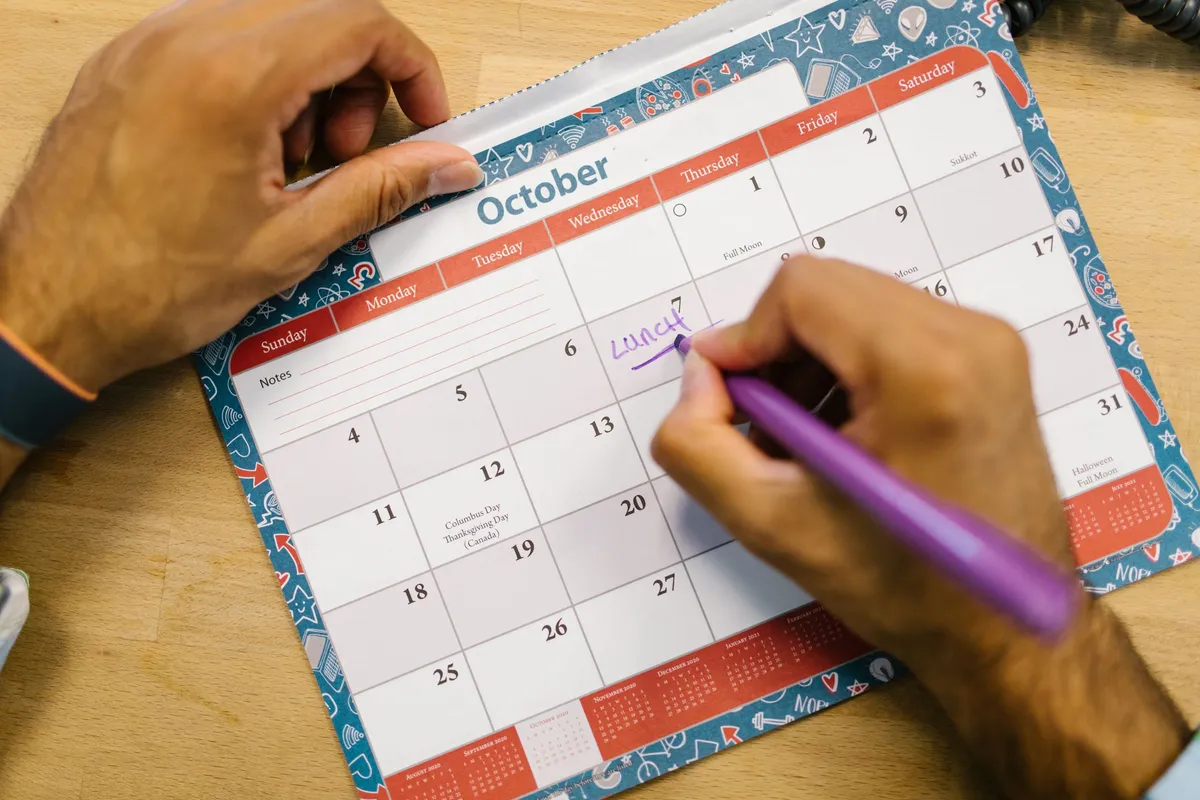
Most creator visits go wrong on dates, not on food. A post shows up months late, or never. Then nobody can point to what was agreed. A one-month plan fixes that. It puts every visit, post and count on one calendar before anyone eats.
Run the month in four weekly steps. Week one, pick nearby creators and send a one-page brief. Week two, host each visit on a set date. Week three, the posts go up with #ad in the video. Week four, count visits. Ask guests how they heard of you. Compare Google profile calls with last month.
CreatoRain Team8 min read
CreatoRain is a done-for-you restaurant influencer marketing service for chains and franchises: CreatoRain's in-house team finds, invites and pays food creators and follows up until each video is posted.

What does the 30-day calendar look like?
A local creator campaign is a short project with dates. You invite a handful of nearby creators and host each one once. Then you watch what their posts do near your stores. Four weeks is long enough for visits and posts to land. It is short enough that nobody forgets what was agreed.
Pick creators and send the brief
Week one. Choose creators whose followers live near your stores.
Once three or four say yes
Host the visits
Week two. One booked date per creator, in writing.
Within a week of each visit
Posts go up
Weeks three and four. Check each disclosure the day it posts.
At the end of week four
Count and decide
Compare guest answers and profile actions with the month before.
The dates do most of the work. A June 2026 Los Angeles Times report, also run in The Spokesman-Review, told of a brewery that asked for a video before its anniversary. The creator did not post until April 2026. A paid creator at another restaurant said the owner told him to take up to “a couple months.” The owner denied saying it. A date in a brief that both sides keep settles that argument before it starts.
How do you pick creators in week one?
Start with geography, not follower counts. A creator with a big audience in another state sells nothing at your counter. CreatorIQ, a creator marketing software company, looked at four restaurant campaigns. Its first tip is plain. “Start with creators whose audiences actually live near your restaurants.”
Look for these before you invite anyone
- Most recent posts are about restaurants in your area
- Posts go up on a steady schedule, not in bursts
- Past restaurant posts say when a meal was hosted
- Comments come from locals asking where the place is
- Direct messages get an answer within a few days
Small creators are usually the right size for one location. Shopify’s guide to influencer pricing defines nano-influencers as creators with 1,000 to 10,000 followers. Many of them post about the neighborhood they live in. Pick three or four for a first month. Keep two more names in reserve in case someone drops out. If you run a franchise, ask your franchisor first what local marketing you may approve on your own. For places to look, see how to find food influencers near you.
What goes in the brief?
The brief is one page that every creator gets before the visit. It turns a friendly invitation into a plan both sides can scroll back to. Brands that hand out free products use briefs often. In a Modash survey of 74 marketers, 51.4% said they send creative briefs.
Put these on the brief
- The visit date and time, and who the meal covers
- The post you want, such as one reel or one TikTok
- The date the post goes up by
- The disclosure you expect, said and shown in the video
- The dishes you would like filmed, with their names spelled out
- Whether you may boost the post as an ad afterward
- What you pay, if anything, and when
Leave the creative choices to the creator. Their followers come for their voice, not yours. A brief that scripts every line tends to read like an ad, and viewers treat it like one. Send the brief in the same thread you used to invite the creator. Ask for a short reply that confirms the date and the post. That reply is your record if anything slips later.
How do you schedule visits in week two?
Book one creator per night, on your quieter nights if you can. A month timed to a busy stretch works the same way, as in our football-season playbook. A slow service gives the kitchen time to plate well. It gives the creator room to film without a full dining room behind them.
Confirm each visit in the brief’s thread. Restate the date, the party size and the post date. If the creator has a manager, put any money in writing too. In the Times report, one creator’s manager asked $575 for a single Instagram reel. He now films only after a contract is signed. On the day, brief the floor staff. Tell the server who is coming and that the meal is on the house. Have a manager stop by the table once. Say thanks, answer questions about the dishes and leave the filming alone.
How do you check each post as it goes up?
Each post should say plainly that the meal was hosted. Put that on the brief, so it is agreed before the visit. Ask for it in the video itself, said and shown. A line buried in the caption is easy to miss.
Check each post the day it goes up
- #ad or “hosted” sits in the video, not only the caption
- The dish names are spelled right
- The restaurant and the right location are tagged
- The post went up by the date in the brief
- Any link points at the store the creator visited
If something is missing, send a friendly note and ask for a fix to the post itself. The exact words, and a polite way to ask, are in our free-meal disclosure answer.
What happens in weeks three and four?
This is when the posts go up, usually within a week of each visit. Keep one simple sheet for the month. Give each creator a row: store, visit date, post date and link. Fill it in as the posts land.
Boosting is the paid-ads step, and it is optional. CreatorIQ’s advice for a post that takes off is direct. “Put spend behind it, focusing paid distribution at the neighborhoods around your stores.” Ask the creator before you run their video as an ad. Keep that permission in writing, next to the brief.
How do you count visits without a promo code?
You do not need software to get a useful count. Two free sources cover most of it. One is your staff asking guests a single question. The other is your Google Business Profile.
Track these each week of the campaign
- Guests who say a creator’s post brought them in
- Calls from your Google Business Profile
- Direction requests from your Google Business Profile
- Orders of the dishes the creators filmed
- Sales on the same weekday a month earlier, for comparison
The question works better than it sounds. One owner in the Times report said his staff regularly ask customers how they heard of the restaurant. By his account, four of five times they had seen it in a social media post.
| Number | Google’s definition |
|---|---|
| Calls | “The number of times a customer clicked on the call button on your Business Profile.” |
| Directions | “How many people asked for directions to your business.” |
| Searches | Updated at the start of each month, and it “might take up to 5 days to show up.” |
Read the profile numbers a week into the next month. A discount code is the other common tracker. In the Modash survey, 52.7% of marketers sent discount codes. At a restaurant register, a code adds a step for the guest and the cashier. The question costs nothing.
What does a month cost?
Most of the cost is food and creator fees. Prices vary widely, so treat any range as a starting point rather than a quote.
| Cost | What to plan for |
|---|---|
| Comped meals | One meal per creator, plus any guests the brief allows |
| Creator fees | Shopify reports Instagram nano-influencers at $25 to $150 per post |
| Boosting a post | Your choice. Set a cap before the month starts |
Local asks can run higher than published ranges. The Los Angeles creator above asked $575 for one reel. If you pay a creator, collect their tax details before the visit. The IRS wants service payments to non-employees reported on Form 1099-NEC. A creator you pay $2,000 or more in a year gets one.
If no one on your team has a spare month, a service can run it. CreatoRain, the company that publishes this guide, is one. It charges $300 a video, the creator’s pay included. Either way, the brief, the dates and the count stay the same. For the routes side by side, see what food influencers cost.
What if a post never comes?
- say creators go quiet on free-product deals more often than on other collaborations
- 90.5%
- follow up “twice or thrice” after the product arrives
- 74.3%
Plan for one creator to go quiet. It happens to brands of every size. In the Modash survey, 90.5% of marketers said creators skip free-product campaigns more often than other collaborations. That held even though 74.3% followed up “twice or thrice.”
Before you give up on a post
- Ask how the meal was before you ask about the post
- Send a second short note a week after the first
- Stop after two messages with no reply
- Keep it private, with no public callout
- Note the name so you do not invite them again
Our guide to a creator who never posts has message templates. This is also why the reserve names matter. If a creator drops out in week two, invite the next one on your list. The month can still end with three or four posts.
How do you run it across several locations?
Run the same month at each store, with the same brief and the same dates. Assign creators by neighborhood so each location gets its own posts. Then compare the stores side by side.
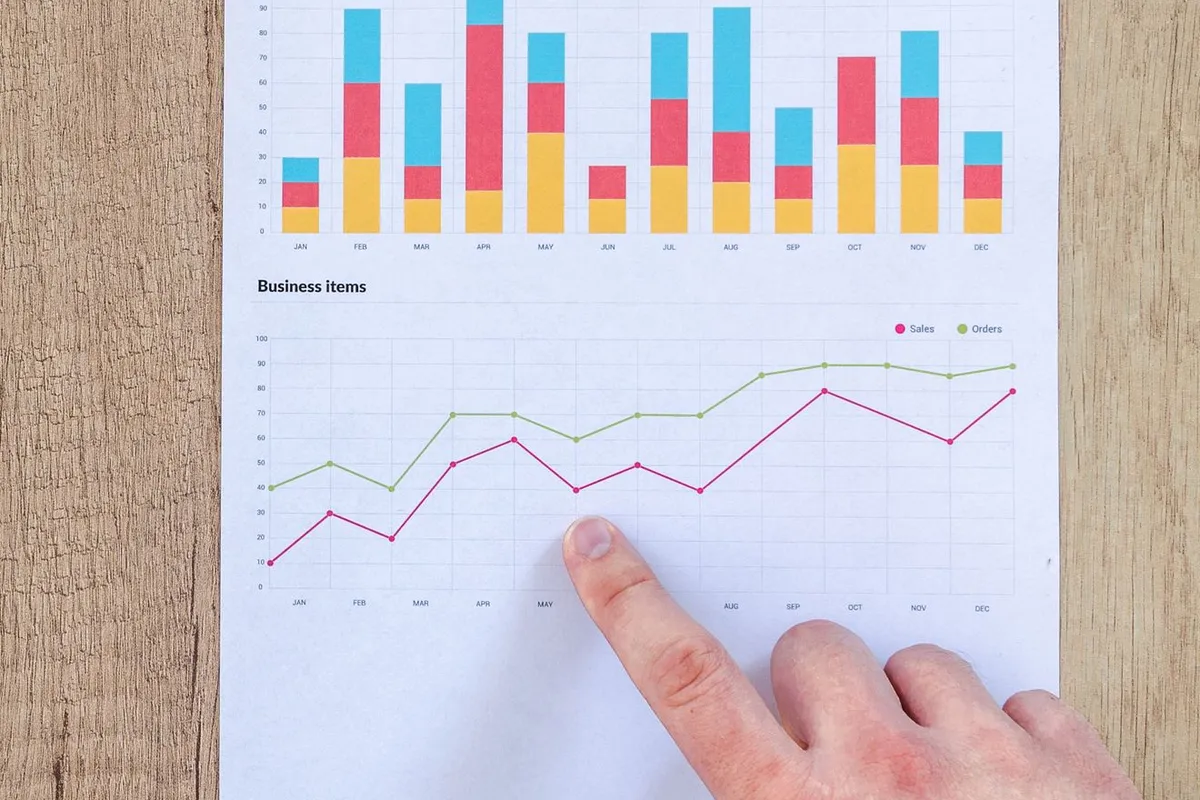
Google makes the comparison easier. If you manage several profiles, it says you can “download performance data for multiple profiles at once in a spreadsheet to compare the performance of different locations.” The data shows only for verified profiles, so check each location’s verification first.
Expect modest numbers, and judge them store by store. CreatorIQ described one Mexican chain’s holiday tasting event at one of its restaurants. It produced 11 Instagram posts and stories from seven creators. A ramen opening it covered drew 36 social mentions and waits of up to 90 minutes. Keep watching after the month ends. CreatorIQ noted that several creators kept posting about that chain on their own in the weeks afterward. Keep checking those posts for a disclosure too.
Sources and method
Where each number comes from
- “30-day” — The length of the plan this guide lays out, our own four-week schedule from picking creators to counting visits, not a figure from a study. Measured October 7, 2026.
- “$575” — Restaurants are paying influencers for promotional posts. How messy can it get? (Stephanie Breijo, Los Angeles Times, reprinted by The Spokesman-Review, June 29, 2026). Read October 7, 2026.
- “four of five times” — Restaurants are paying influencers for promotional posts. How messy can it get? (Stephanie Breijo, Los Angeles Times, reprinted by The Spokesman-Review, June 29, 2026). Read October 7, 2026.
- “90.5%” — The State of Influencer Gifting in 2026 [Survey Data] (Modash, May 22, 2026). Read October 7, 2026.
- “74.3%” — The State of Influencer Gifting in 2026 [Survey Data] (Modash, May 22, 2026). Read October 7, 2026.
- “52.7%” — The State of Influencer Gifting in 2026 [Survey Data] (Modash, May 22, 2026). Read October 7, 2026.
- “51.4%” — The State of Influencer Gifting in 2026 [Survey Data] (Modash, May 22, 2026). Read October 7, 2026.
- “74 marketers” — The State of Influencer Gifting in 2026 [Survey Data] (Modash, May 22, 2026). Read October 7, 2026.
- “11 Instagram posts and stories” — Recipe for Revenue: How 4 Restaurants Used Creators to Drive Sales (Jeff Gray, CreatorIQ, Sep 17, 2025). Read October 7, 2026.
- “36 social mentions” — Recipe for Revenue: How 4 Restaurants Used Creators to Drive Sales (Jeff Gray, CreatorIQ, Sep 17, 2025). Read October 7, 2026.
- “waits of up to 90 minutes” — Recipe for Revenue: How 4 Restaurants Used Creators to Drive Sales (Jeff Gray, CreatorIQ, Sep 17, 2025). Read October 7, 2026.
- “1,000 to 10,000 followers” — Influencer Pricing: The Cost of Influencers in 2026 (Shopify, June 22, 2026). Read October 7, 2026.
- “$25 to $150 per post” — Influencer Pricing: The Cost of Influencers in 2026 (Shopify, June 22, 2026). Read October 7, 2026.
- “up to 5 days” — Understand your Business Profile performance & insights (Google Business Profile Help). Read October 7, 2026.
- “$2,000” — Form 1099-NEC & independent contractors (IRS). Read October 7, 2026.
- “$300” — As published on our pricing page.
Pages quoted in this article
- Recipe for Revenue: How 4 Restaurants Used Creators to Drive Sales (Jeff Gray, CreatorIQ, Sep 17, 2025) Read October 7, 2026.
- Restaurants are paying influencers for promotional posts. How messy can it get? (Stephanie Breijo, Los Angeles Times, reprinted by The Spokesman-Review, June 29, 2026) Read October 7, 2026.
- The State of Influencer Gifting in 2026 [Survey Data] (Modash, May 22, 2026) Read October 7, 2026.
- Influencer Pricing: The Cost of Influencers in 2026 (Shopify, June 22, 2026) Read October 7, 2026.
- Understand your Business Profile performance & insights (Google Business Profile Help) Read October 7, 2026.
- Form 1099-NEC & independent contractors (IRS) Read October 7, 2026.
Related questions
All 12 guides on Working with creators →Run more than one location? See how CreatoRain works for restaurant chains. See real campaigns in our case studies.