How do you set up a Google Business Profile that brings diners in?
A diner two blocks away looks for dinner on her phone. Three pins show up on the map. She taps the one that is open now, with a menu and fresh photos. The other two never knew she looked.
Claim and verify one profile for each store. Pick the most specific primary category. Use the name on your sign, with no extra keywords. Set dining room hours, plus special hours for holidays. Link your own full menu, not a delivery app. Add three photos each of the outside, inside and food. Turn on the attributes that are true.
CreatoRain Team7 min read
CreatoRain is a done-for-you restaurant influencer marketing service for chains and franchises: CreatoRain's in-house team finds, invites and pays food creators and follows up until each video is posted.

What does a nearby diner see before tapping Directions?
Your Business Profile is the panel that opens when someone finds a store on Google Search or Maps. It shows the hours, the menu, the photos and the reviews. It also holds the Directions and Call buttons. For many guests it is the whole first visit, before the real one.
- check a restaurant’s rating on Google reviews, the top answer
- 46%
- check ratings on Yelp, the next most common
- 23%
- name Google search as their top way to find new restaurants
- 19%
Google ranks local results mainly on relevance, distance and popularity, says its local ranking page. You can’t move a store closer to the diner. You can make the profile complete and accurate, which Google says helps it show up. And there is no way to pay for a better local ranking. For where else diners look, see where diners discover new restaurants.
Who should own each store’s profile?
Settle this before anyone edits a thing. In many franchise systems, head office already owns every store’s profile. The franchisee is then added as a manager. Check with your franchisor before you change a store’s name, category or menu link. Our guide to local marketing for a franchisee covers who supplies which facts.
| Role | What it can do | What it can’t do |
|---|---|---|
| Primary owner | Everything, including adding users and deleting the profile | There is only one per profile |
| Owner | Edit the profile, add and remove users, reply to reviews | Take over as primary owner without a transfer |
| Manager | Edit hours, photos, menu and posts, and reply to reviews | Add or remove users, or remove the profile |
Google’s owners and managers page says each user needs their own Google Account. Put the primary owner on a company account, not a manager’s personal email. Then add each general manager as a manager. Nobody shares a password, and nothing is lost when someone leaves.
How do you claim and verify a store’s profile?
Search for the store’s name and city first. Google may already have a profile built from public information. If so, claim it instead of making a second one. Google’s guidelines allow one profile per location. A group with 10 or more locations can verify in bulk.
Find the store
Search its name and city on Google Search or Maps.
Already listed, or not
Claim it or add it
Claim the existing profile, or add the business if none exists.
See your verification options
Google picks which methods each store gets.
Phone, text, email, video or postcard
Verify
Enter the code, or show the store on a video call.
Verified
Fill in the profile
Photos and performance data show only after this step.
Google’s verification page says the methods depend on the business type, region and hours. It recommends video where a store is eligible. Have the outside sign, the kitchen and a staff-only area ready to show. A postcard code usually arrives within 14 days. Phone menus can’t receive the code, so use a line a person answers.
Which category should a restaurant pick?
The primary category tells Google what the store is. In Whitespark’s 2026 survey of 47 local search experts, it ranked first of 187 factors for map results. Google’s category guidelines ask for as few categories as possible, each as specific as possible. Pick what the store is, not what it has.
| If the store is… | Choose | Leave out |
|---|---|---|
| A fast food burger shop that also sells desserts | Hamburger restaurant, plus Fast food restaurant | Dessert restaurant |
| A pizza shop with takeout and delivery, but no tables | Pizza takeout and Pizza delivery | Takeout restaurant or Delivery restaurant |
| A sit-down Thai restaurant | Thai restaurant | Restaurant on its own |
| A coffee shop with a patio and Wi-Fi | Coffee shop | A category for the patio or the Wi-Fi |
Keep it the same across stores. Google’s rules for chains say every location must use the same category if it offers the same service. The patio and the Wi-Fi still belong on the profile. They go in attributes, covered below.
What name should the profile show?
Use the name on the sign, exactly as guests know it. It is tempting to add the town or a signature dish. Whitespark’s experts ranked keywords in the business name third for map results. But Google’s name rules ban those extras, and a stuffed name can get the profile suspended.
Leave these out of the store name
- The town or the neighborhood
- A store number or an internal code
- A tagline or a menu item
- Hours, such as “Open late”
- A phone number or a web address
- “LLC” or “Inc.”, unless your signs show it
Every store in a chain should carry the same name. The neighborhood already shows in the address, so a guest can still tell your stores apart.
Which hours should the profile list?
Hours do two jobs. They tell a diner whether to come now, and they count in search. Whitespark’s experts ranked being open at the time of the search fifth for map results.
| Hours type | What to enter | When to use it |
|---|---|---|
| Main hours | When guests can sit down and eat | Always. With no dining room, use takeout hours. |
| More hours | Takeout, delivery, drive-through or pickup | When a service keeps different hours |
| Special hours | Holiday and event hours | A change or closure of up to 6 days in a row |
| Temporarily closed | The store shows as closed | A closure of 7 or more days, or no reopening date |
Google’s hours guidelines tell restaurants to use dining room hours as their main hours. Its special hours page suggests confirming holiday hours even when they match a normal day. Set them for every store a few weeks before each holiday.
How should you add the menu to the profile?
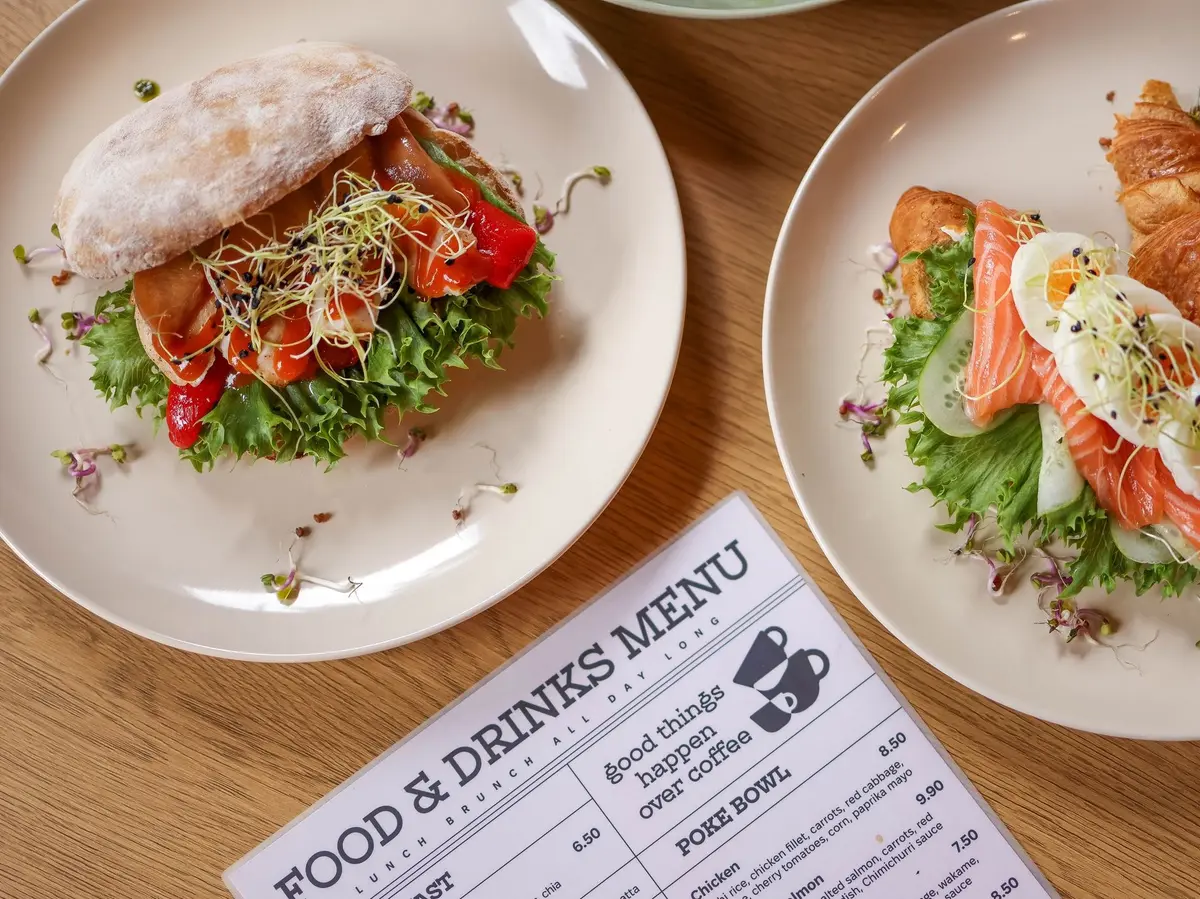
Diners want the menu before they drive. Google reports menu clicks in each profile’s performance data, so you can see how often people open it. A profile can carry the menu in three ways. Use all three if you can.
Three ways to put the menu on a profile
- A menu link to the full menu on your own website
- Dishes, prices and photos entered in Google’s menu editor
- A clear photo or a PDF of the printed menu
The link has one rule that trips stores up. Google’s guidelines say a menu URL can’t point straight to a third-party ordering or delivery service. Link a menu page on your own site instead. Give each store its own page if prices differ. A short list of popular items doesn’t count as a menu.
Guests can upload menu photos too, so an old one can linger. Google’s menu editor page tells owners to flag an outdated customer photo and upload an accurate one. Menu edits can take 24–48 hours to show.
Which photos does each store need?
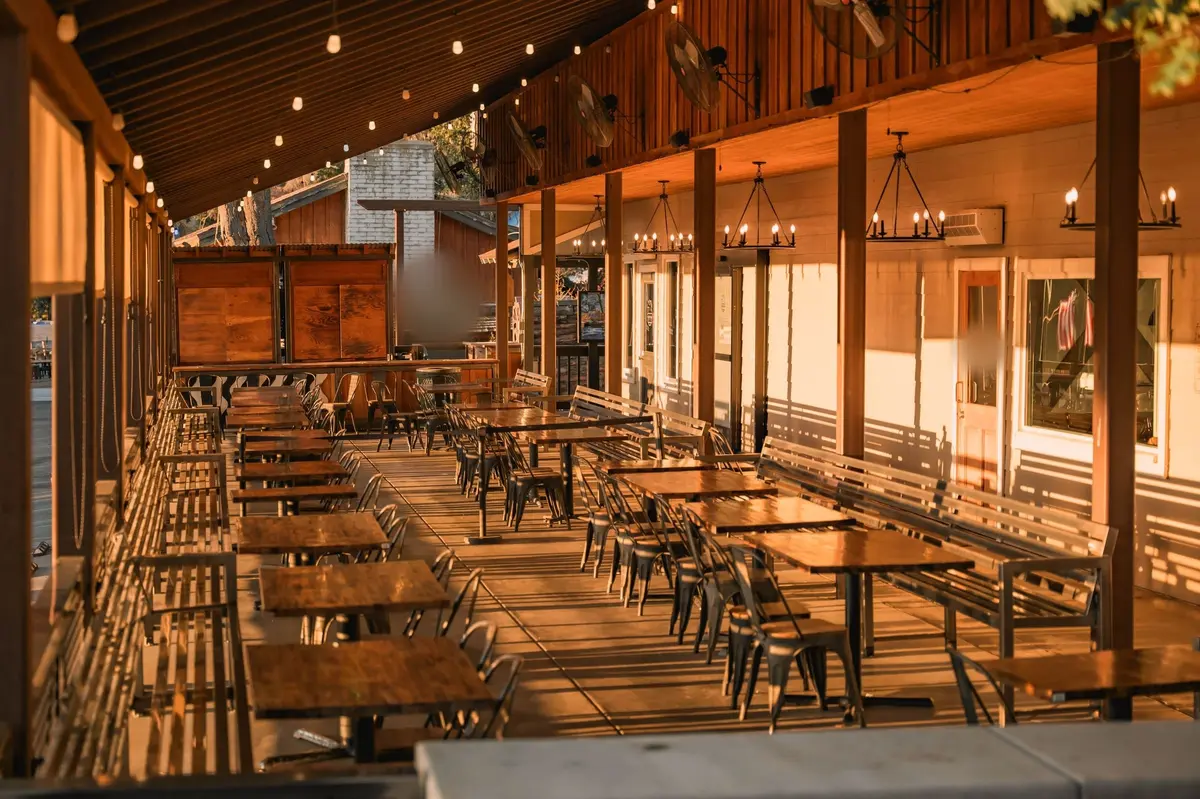
Google’s photo tips ask for at least three photos in each main group. For a restaurant, that means the outside, the inside and the food. Shoot the outside from each direction guests approach, and at different times of day. A first-time guest then spots the door.
A first shot list for each store
- Three outside shots, one from each way guests arrive
- One outside shot after dark, with the lights on
- Three dining room shots, as a seated guest sees it
- Three shots of your best sellers, evenly lit
- A cover photo and a logo
- One sharp photo of the printed menu
A phone camera is enough. Google’s photo guidelines recommend 720 by 720 pixels, in JPG or PNG files between 10 KB and 5 MB. Skip heavy filters. Google says a photo should represent reality. Videos can run up to 30 seconds, and new uploads can take 24–48 hours to appear.
Which attributes should a restaurant turn on?
Attributes are the yes-or-no facts on a profile, like outdoor seating or Wi-Fi. Google’s attributes page says a business with certain attributes might show up in searches for them. So a diner who wants a patio can find yours. Mark only what is true every day.
Attributes to check for each store
- Outdoor seating
- Wi-Fi
- Payments, such as cash-only
- A wheelchair-accessible entrance, seating, restroom and parking
Accessibility needs the most care. Google’s attributes page sets a test for the entrance. It should be three feet or one meter wide with no steps, or have a ramp. Some attributes come from customers instead of you. A review of your edits can take up to 30 days.
What does a profile cost to set up?
The profile itself is free from Google. Google’s ranking page says there is no way to pay for a better local ranking. So the real cost is a manager’s time.
- median hourly wage of a food service manager, May 2025
- $33.36
- of a manager’s time for a three-hour first setup
- about $100
Budget about three hours for each store’s first setup, photos included. After that, a monthly check takes far less. Paid ads are a separate choice. If you want them, start with our Google Ads guide for a single store.
How do you keep every store’s profile current?
A profile drifts. Hours change, a dish leaves the menu and guests add their own photos. Give one person in each store a short monthly check.
The monthly profile check, store by store
- Hours match the door, and the next holiday is set
- The menu link opens this store’s menu
- A few new photos are up
- Every new review has a reply
- Directions, calls and menu clicks are noted from Performance
Google’s performance report counts direction requests, calls, website clicks and menu clicks. Judge each store against its own prior month. Google’s restaurant get-started guide also lists bookings as a top metric. That count needs a booking provider. For reviews, follow how to get more Google reviews.
A profile is often the next stop after a creator video. Someone watches a creator eat at your store, then searches the name. CreatoRain’s in-house team books creators from its food-creator network to visit your stores. It delivers their videos. Each video is $300, with the creator’s pay included. Finish the profile first, so that search ends at your door.
Sources and method
Where each number comes from
- “December 2023” — How Restaurant Review Websites Affect Consumer Demand and Spend (Toast, November 4, 2024). Read October 7, 2026.
- “46%” — How Restaurant Review Websites Affect Consumer Demand and Spend (Toast, November 4, 2024). Read October 7, 2026.
- “23%” — How Restaurant Review Websites Affect Consumer Demand and Spend (Toast, November 4, 2024). Read October 7, 2026.
- “19%” — How Restaurant Review Websites Affect Consumer Demand and Spend (Toast, November 4, 2024). Read October 7, 2026.
- “10 or more locations” — Verify Business Profiles in bulk (Google Business Profile Help). Read October 7, 2026.
- “within 14 days” — Verify your business on Google (Google Business Profile Help). Read October 7, 2026.
- “2026 survey” — 2026 Local Search Ranking Factors (Whitespark, November 6, 2025). Read October 7, 2026.
- “47 local search experts” — 2026 Local Search Ranking Factors (Whitespark, November 6, 2025). Read October 7, 2026.
- “187 factors” — 2026 Local Search Ranking Factors (Whitespark, November 6, 2025). Read October 7, 2026.
- “up to 6 days in a row” — How to set Special hours (Google Business Profile Help). Read October 7, 2026.
- “7 or more days” — How to set Special hours (Google Business Profile Help). Read October 7, 2026.
- “Menu edits can take 24–48 hours” — About the menu editor (Google Business Profile Help). Read October 7, 2026.
- “720 by 720 pixels” — Manage your Business Profile photos & videos (Google Business Profile Help). Read October 7, 2026.
- “between 10 KB and 5 MB” — Manage your Business Profile photos & videos (Google Business Profile Help). Read October 7, 2026.
- “up to 30 seconds” — Manage your Business Profile photos & videos (Google Business Profile Help). Read October 7, 2026.
- “new uploads can take 24–48 hours” — Manage your Business Profile photos & videos (Google Business Profile Help). Read October 7, 2026.
- “three feet or one meter wide” — Manage your business attributes (Google Business Profile Help). Read October 7, 2026.
- “up to 30 days” — Manage your business attributes (Google Business Profile Help). Read October 7, 2026.
- “$33.36” — Food Service Managers, Occupational Outlook Handbook (US Bureau of Labor Statistics). Read October 7, 2026.
- “May 2025” — Food Service Managers, Occupational Outlook Handbook (US Bureau of Labor Statistics). Read October 7, 2026.
- “about $100” — Our arithmetic: three hours at the BLS May 2025 median of $33.36 an hour is $100.08, rounded. Three hours for a first setup with photos is our estimate, not a Google figure. Measured October 7, 2026.
- “$300” — As published on our pricing page.
Pages quoted in this article
- Get started with a Business Profile for your restaurant (Google Business Profile Help) Read October 7, 2026.
- Tips to improve your local ranking on Google (Google Business Profile Help) Read October 7, 2026.
- Guidelines for representing your business on Google (Google Business Profile Help) Read October 7, 2026.
- Manage your Business Profile owners & managers (Google Business Profile Help) Read October 7, 2026.
- Verify your business on Google (Google Business Profile Help) Read October 7, 2026.
- Verify Business Profiles in bulk (Google Business Profile Help) Read October 7, 2026.
- How to set Special hours (Google Business Profile Help) Read October 7, 2026.
- About the menu editor (Google Business Profile Help) Read October 7, 2026.
- Tips for business-specific photos on your Business Profile (Google Business Profile Help) Read October 7, 2026.
- Manage your Business Profile photos & videos (Google Business Profile Help) Read October 7, 2026.
- Manage your business attributes (Google Business Profile Help) Read October 7, 2026.
- Understand your Business Profile performance & insights (Google Business Profile Help) Read October 7, 2026.
- Get Listed on Google (Google Business Profile) Read October 7, 2026.
- How Restaurant Review Websites Affect Consumer Demand and Spend (Toast, November 4, 2024) Read October 7, 2026.
- 2026 Local Search Ranking Factors (Whitespark, November 6, 2025) Read October 7, 2026.
- Food Service Managers, Occupational Outlook Handbook (US Bureau of Labor Statistics) Read October 7, 2026.
Related questions
All 5 guides on Local & Google →Run more than one location? See how CreatoRain works for restaurant chains. See real campaigns in our case studies.