Should a restaurant boost Facebook posts or run real ads?
The Boost button sits under every post on a restaurant’s Page. One tap, a budget and an end date, and the post is an ad. For a weekend event, that can be plenty. For an offer you run all season, it rarely is.
Boost a post that already drew comments and shares. Use it for a short push, like a weekend event. Move to Ads Manager when the offer repeats. Ads Manager adds more goals, A/B tests and lunch-hour schedules. Boost on facebook.com, not in the iPhone app, to skip Apple’s fee. Let any boost run about a week.
CreatoRain Team6 min read
CreatoRain is a done-for-you restaurant influencer marketing service for chains and franchises: CreatoRain's in-house team finds, invites and pays food creators and follows up until each video is posted.

What does the Boost button actually buy?
A boost turns a post you already published into an ad. Meta calls it the simplest way to show a post to more people on Facebook, Messenger or Instagram. You do not write a new ad. You pay to push one you have.
| Field | What it sets | For one store |
|---|---|---|
| Goal | What Facebook tries to get | Messages, calls or website visits |
| Audience | Who sees the post | People in your town or zip codes |
| Duration | A suggested length or an end date | About a week |
| Daily budget | What you spend each day | A small, fixed amount |
| Placements | Where the ad shows | Facebook and Instagram |
The form is short on purpose. The boost steps take a goal, an audience, a duration and a daily budget, then a payment method. You can also let Facebook pick the goal for you. For one store and one event, those few choices cover most of what matters.
What can’t a boost do that Ads Manager can?
Meta lists the gaps itself. Boosted posts have fewer custom and detailed targeting options than ads built in Ads Manager. Boost goals cover website clicks, Page engagement and local promotion. Ads Manager adds objectives such as leads and sales.
| You want to | Boost | Ads Manager |
|---|---|---|
| Run only at lunch | Start and end dates only | Time-of-day schedule |
| Cap total spend | A daily budget and an end date | A lifetime budget, a hard cap |
| Compare two photos | Two boosts, judged by eye | A built-in A/B test |
| Reach people like your guests | Interests, age and gender | Lookalike audiences |
The schedule row matters most to a restaurant. Ads Manager’s ad set level holds the start date, the end date and time-of-day scheduling. A boost runs all day until its end date. A lunch offer then pays for views at midnight.
When is a boost enough for one store?
A boost is enough when
- The post already drew comments and shares without paying
- The event has a date, like a weekend tasting or a reopening
- The goal is messages, calls or Page visits, not a measured sale
- You will spend a small amount and stop
- Nobody needs to compare two versions afterward
Meta’s own advice starts from the post. A post with a lot of comments, likes and shares has likely resonated, and boosting it can reach people who have not seen your Page. If it keeps doing well, you can boost it again.
That makes a boost a good amplifier and a poor experiment. It works on proof you already have. It does not tell you why a post worked, or which version would have worked better.
Which post should you boost?

Boost a photo of your food. In Toast’s July 2024 social-media survey, 84% of respondents preferred seeing a restaurant’s food and drinks on its social accounts. A clear shot of one dish beats a logo or a flyer.
Some posts cannot be boosted at all. Meta’s troubleshooting page lists shared posts, cover photos and expired posts among them. Post the photo fresh on the store’s own Page, then boost that post.
Why boost on facebook.com instead of the iPhone app?
- of the ad payment, kept by Apple
- 30%
- on $100 of boosts paid in the app
- $30
Boost from facebook.com in a browser, not from the Facebook app on an iPhone or iPad. Meta says boosting on facebook.com saves 30% of your total ad payment, before taxes. Apple keeps that fee, not Meta. The browser version has the same boost features.
Tell every manager who posts for a store. It is easy to tap Boost in the app and miss the fee. Give each manager their own access to the store’s Page. Then they can boost from a computer or a phone browser.
How much should a first boost spend, and for how long?
Pick a food post that already drew comments
Posted on the store’s own Page
Open Boost on facebook.com
Set the audience to your town
Zip codes or a city, not the whole state
Then the duration
Choose about a week
Pick an end date after the event
Then the money
Set a small daily budget
An amount you would spend without a test
When it ends
Check results in Ad Center
Then decide whether to boost again
Give the boost room to learn. Meta’s ad pricing guide suggests starting with at least $5 and a duration over six days. It says to set a budget that runs at least seven days, so Meta can learn from its results.
Here is a worked example. A boost at $10 a day for a week costs about $70. That is a fair price to learn whether a post can bring people in the door.
When should you move the ad into Ads Manager?
Signs the boost has outgrown the button
- The same offer runs every week, not one weekend
- You only want spend during lunch or dinner hours
- You need one hard limit on total spend
- You want to know which of two photos works
- Several stores run the same offer at once
Ads Manager splits one ad into three levels. The campaign level sets the objective, such as traffic or leads. The ad set level decides who sees it, where, when and for how much. The ad level is the photo, video and text people see. A store that repeats an offer builds it once and changes one level at a time.
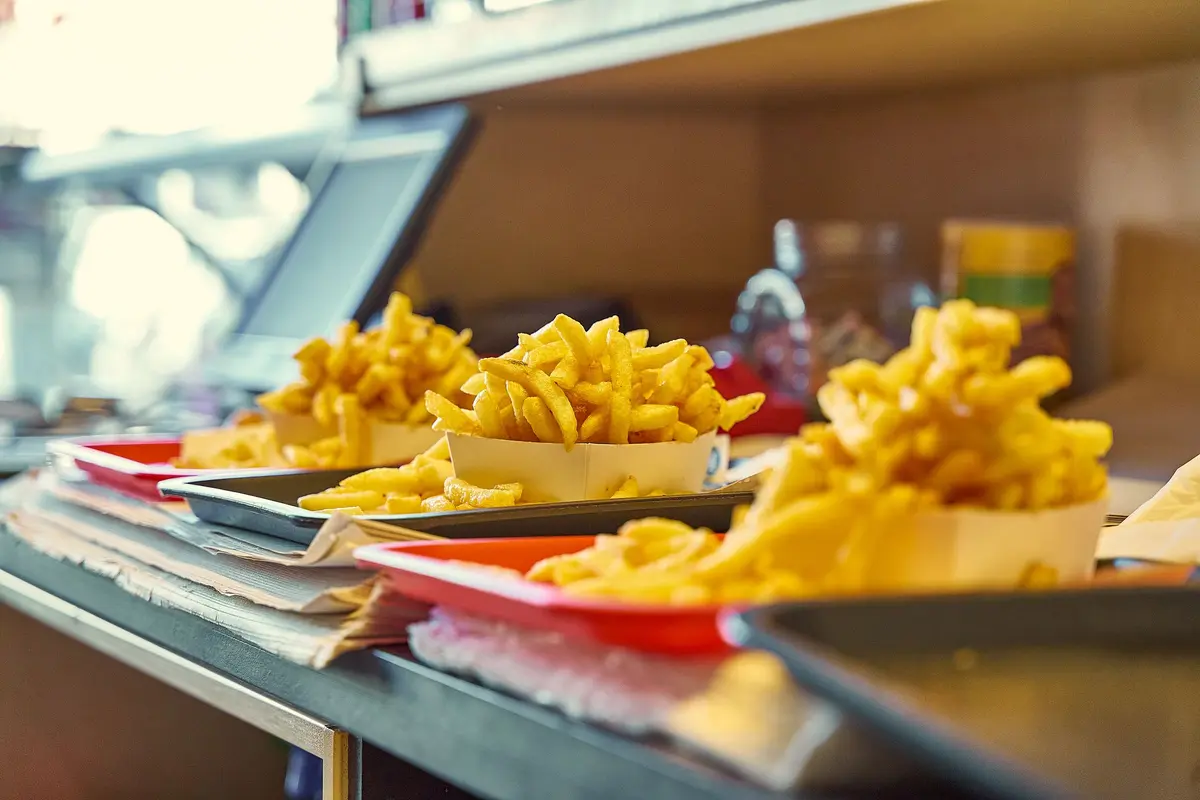
Compare versions with a real test. Meta’s A/B testing shows each version to a separate group and makes sure nobody sees both. Meta advises against testing by turning ads on and off by hand, because the audiences can overlap. Give both versions the same budget.
How do you keep a month of ads inside a set limit?
Use a lifetime budget once the ad moves to Ads Manager. Meta’s budget page says lifetime budgets are a hard cap, not an average. Daily budgets are an average over the week. On some days spend may run up to 75% above the daily amount.
| Budget type | How it behaves | What it means for you |
|---|---|---|
| Daily | An average across the week | A $10 day can bill up to $17.50 |
| Lifetime | A hard cap for the whole run | The total never goes past the number you set |
A franchisee who answers to a monthly marketing number wants the second kind. Check the total against the share of sales you plan for marketing. Then set one lifetime figure per store.
How do you tell whether the ad brought guests in?
Look past the likes. Meta’s results view for a boost sits in Ad Center, listed under the goal you chose. Engagement tells you people saw the post. It does not tell you anyone ordered.
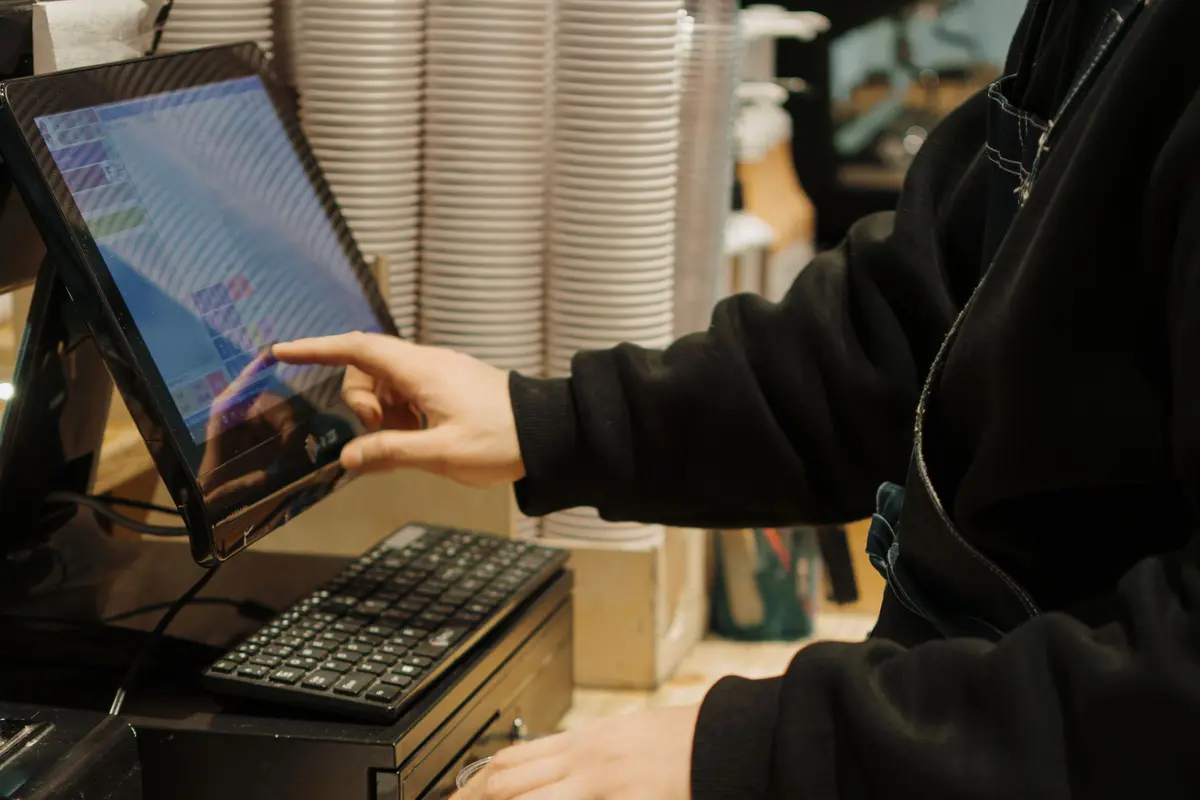
Give each ad a code word or a register button, and have staff count it. Guest counts are the number that matters. In Toast’s survey of restaurant decision-makers, 47% named more guest demand as their main growth focus.
Click costs give a rough yardstick for Ads Manager traffic ads. LocaliQ’s benchmarks put restaurants and food at $0.45 a click, against $0.60 across all industries. A cheap click that never reaches the counter is still waste. To set up a first Ads Manager test at one address, start with one offer and one code.
What should a franchisee clear with the brand before boosting?
Ask before the first boost
- Which Page should the store’s ads run from?
- Which photos and offers need approval?
- Does the brand fund already pay for ads in your area?
- Who may hold ad access to the store’s Page?
Your franchisor may need to approve a boost or an ad first. Many brands already run ads from an advertising fund that your royalties feed. Meta’s boost steps need full access to the Page, or task access to ads. Ask which one the brand will grant you.
What does the switch look like for a small chain?
A boost is only as good as the post behind it. A short clip from a food creator gives you one worth paying to push. CreatoRain sets those up for restaurant groups. Our team picks a creator from our food-creator network to film at each store, then pays them. You pay $300 a video, and that covers the creator’s pay.
Sources and method
Where each number comes from
- “84%” — Digital Marketing for Restaurants: What’s Working in 2026 (Toast, September 28, 2026). Read October 7, 2026.
- “July 2024” — Digital Marketing for Restaurants: What’s Working in 2026 (Toast, September 28, 2026). Read October 7, 2026.
- “47%” — Digital Marketing for Restaurants: What’s Working in 2026 (Toast, September 28, 2026). Read October 7, 2026.
- “30%” — Avoid the Apple service fee when boosting Facebook ads (Meta Business Help Center). Read October 7, 2026.
- “at least $5” — Facebook and Instagram Ads Pricing & Cost: An Overview (Meta for Business). Read October 7, 2026.
- “75%” — About budgets (Meta Business Help Center). Read October 7, 2026.
- “$0.45” — Facebook Advertising Benchmarks for 2026 (LocaliQ, September 23, 2026). Read October 7, 2026.
- “$0.60” — Facebook Advertising Benchmarks for 2026 (LocaliQ, September 23, 2026). Read October 7, 2026.
- “$100” — An example amount of boosts paid in the Facebook iOS app, chosen for the fee arithmetic in this guide. Measured October 7, 2026.
- “$30” — Our arithmetic: Meta says the Apple service fee is 30% of the total ad payment, and 30% of $100 is $30. Measured October 7, 2026.
- “$10” — An example daily budget chosen for the arithmetic in this guide, not a recommendation from any source. Measured October 7, 2026.
- “$70” — Our arithmetic: $10 a day for seven days is $70. Measured October 7, 2026.
- “$17.50” — Our arithmetic: Meta says daily spend may run up to 75% above the daily budget on some days, and $10 times 1.75 is $17.50. Measured October 7, 2026.
- “$300” — As published on our pricing page.
Pages quoted in this article
- The difference between boosted posts and Meta ads (Meta Business Help Center) Read October 7, 2026.
- Boost a post from your Facebook Page (Meta Business Help Center) Read October 7, 2026.
- About boosted posts (Meta Business Help Center) Read October 7, 2026.
- Troubleshoot posts that can’t be boosted on your Facebook Page (Meta Business Help Center) Read October 7, 2026.
- Avoid the Apple service fee when boosting Facebook ads (Meta Business Help Center) Read October 7, 2026.
- Facebook and Instagram Ads Pricing & Cost: An Overview (Meta for Business) Read October 7, 2026.
- What are the advertising levels in Meta Ads Manager? (Meta Business Help Center) Read October 7, 2026.
- About A/B testing (Meta Business Help Center) Read October 7, 2026.
- About budgets (Meta Business Help Center) Read October 7, 2026.
- View results for boosted posts (Meta Business Help Center) Read October 7, 2026.
- Digital Marketing for Restaurants: What’s Working in 2026 (Toast, September 28, 2026) Read October 7, 2026.
- Facebook Advertising Benchmarks for 2026 (LocaliQ, September 23, 2026) Read October 7, 2026.
Related questions
All 5 guides on Paid ads →Run more than one location? See how CreatoRain works for restaurant chains. See real campaigns in our case studies.