How do you get customers to order direct instead of through DoorDash?
A regular orders the same two burritos on the app every Thursday. Your staff know the name on the ticket. That guest has never visited your website and may not know it takes orders. Every Thursday, the app takes its cut.
Keep the app for first-time guests. Move your regulars, who already know your food. Put a card in every delivery bag. Its QR code opens your own ordering page. Give a direct-only perk, such as counter prices or a free side. Make that link your Google ordering button. Check price changes with your franchisor first.
CreatoRain Team8 min read
CreatoRain is a done-for-you restaurant influencer marketing service for chains and franchises: CreatoRain's in-house team finds, invites and pays food creators and follows up until each video is posted.

Why move regulars and leave first-time guests on the app?
The app is how strangers find you. DoorDash says as much on its own direct-ordering page. It calls the commission “the cost of discovery,” and it adds that this works. A first-time guest who finds you while scrolling is worth that cost. A regular who orders every week found you long ago. Each repeat order still pays the full commission.
| Guest | Where they should order | Why |
|---|---|---|
| First-time guest | On the app | The app found them, so its commission buys something |
| Occasional guest | On the app, with a card in the bag | The card plants your link for next time |
| Frequent guest | On your own ordering link | They already know you, so the commission buys nothing new |
You can see that split for each store. In the DoorDash Merchant Portal, go to the Customers section and select Customer Insights. DoorDash says it shows the percentage of new, occasional and frequent customers. It also notes that the insights available vary by account. Start with the stores where frequent customers make up a large share. Those stores have the most to gain from a direct link.
How much does an app order cost compared with a direct one?
DoorDash charges a commission on each delivery order. Its pricing page lists 15% on Basic, 25% on Plus and 30% on its highest plan. Pickup orders cost 6% on every plan. Orders through its own Online Ordering tool are commission-free but carry a payment processing charge.
| How the guest ordered | Rate | The store pays |
|---|---|---|
| App delivery, Plus plan | 25% of $40 | $10 |
| App delivery, Basic plan | 15% of $40 | $6 |
| App pickup, any plan | 6% of $40 | $2.40 |
| Direct online order, card charge only | 2.9% of $40, plus 30¢ | $1.46 |
The last row uses Square’s online card rate on its paid plans, 2.9% plus 30¢, as an example. Your own processor’s rate will differ a little. For a regular who orders every week, the gap between the first and last rows comes back every week. A perk for direct orders is paid out of that gap.
Should you pull out of the delivery apps altogether?
No, because guests still lean on them. The National Restaurant Association said in May 2026 that 68% of delivery customers had used a third-party service in the past six months. Leaving the apps would cut you off from those guests. Many owners still make little or nothing on those orders.
- of full-service operators report no profit on app delivery
- 47%
- of limited-service operators report the same
- 43%
There is a practical reason to stay, too. DoorDash’s commission-free Online Ordering is available only to restaurants with an active DoorDash store. Leave the app, and that low-cost direct route closes with it.
What is the simplest ordering link to set up?
Use the online ordering that comes with a system you already have. If your point-of-sale system offers an ordering page, start there. If you sell on DoorDash, its Online Ordering tool gives you a page with no commission. DoorDash says an active DoorDash merchant can activate it in minutes through the Merchant Portal. Customers pay the delivery fees on those orders.
What each store’s ordering link needs before you print it
- The link opens that store’s menu, not a page listing all your stores.
- The menu loads on a phone and checks out in a few taps.
- Pickup and delivery both work, and the delivery charge shows before checkout.
- Hours and sold-out items match what the store has today.
- A test order from your own phone goes through and reaches the kitchen.
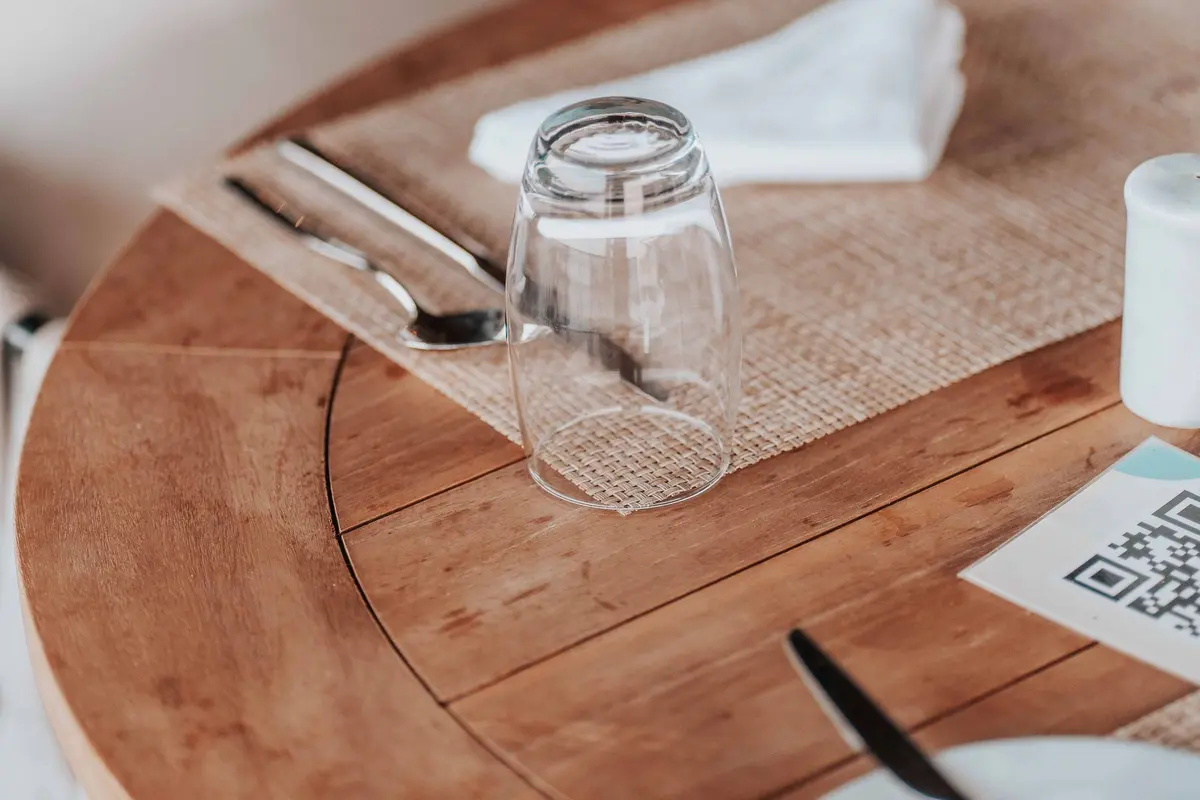
Give every store its own link. A shared link sends guests to the wrong store, and it hides which store earned the order. Place one test order per store before any cards go out. Fix anything that fails on a phone, because that is where the QR code lands.
How do you point Google’s order button at your own link?
Guests who search your name on Google may see an Order online button. Delivery apps can show up there without your help. Google lists third-party providers automatically when they state they have an authorized relationship with your business. You can add a custom ordering link and set your preferred online order provider. You can also remove an app’s link. Under Google’s food ordering rules, the provider must take it down within 5 business days.
Open the store’s Business Profile on Google
select Food ordering
Select Add a link and paste the store’s ordering link
select that link
Select Set as preferred, then Save
if an app link should go
Select it and choose Remove link
Repeat this for each store’s profile, with each store’s own link. If your profiles are not set up yet, start with our guide to a restaurant Google Business Profile. Ask who has access to each profile before you edit.
What should the card in the bag say?
Keep it to one card with one job. The guest already enjoys your food, so skip the sales pitch. Tell them what they get for ordering direct, and show them how. Print a different QR code for each store, so each card opens the right menu. DoorDash suggests promoting its ordering page through direct mail campaigns via QR code.
| Part | Example | Why it is there |
|---|---|---|
| Headline | Order from us directly next time | It names the action in a few words |
| Perk | Counter prices on every item | It gives the regular a reason to switch |
| QR code | It opens this store’s ordering page | It saves typing a web address |
| Store code | A short code printed under the QR | It shows which store and which card worked |
| Plain web address | Your site’s ordering page | It works when a camera will not scan |
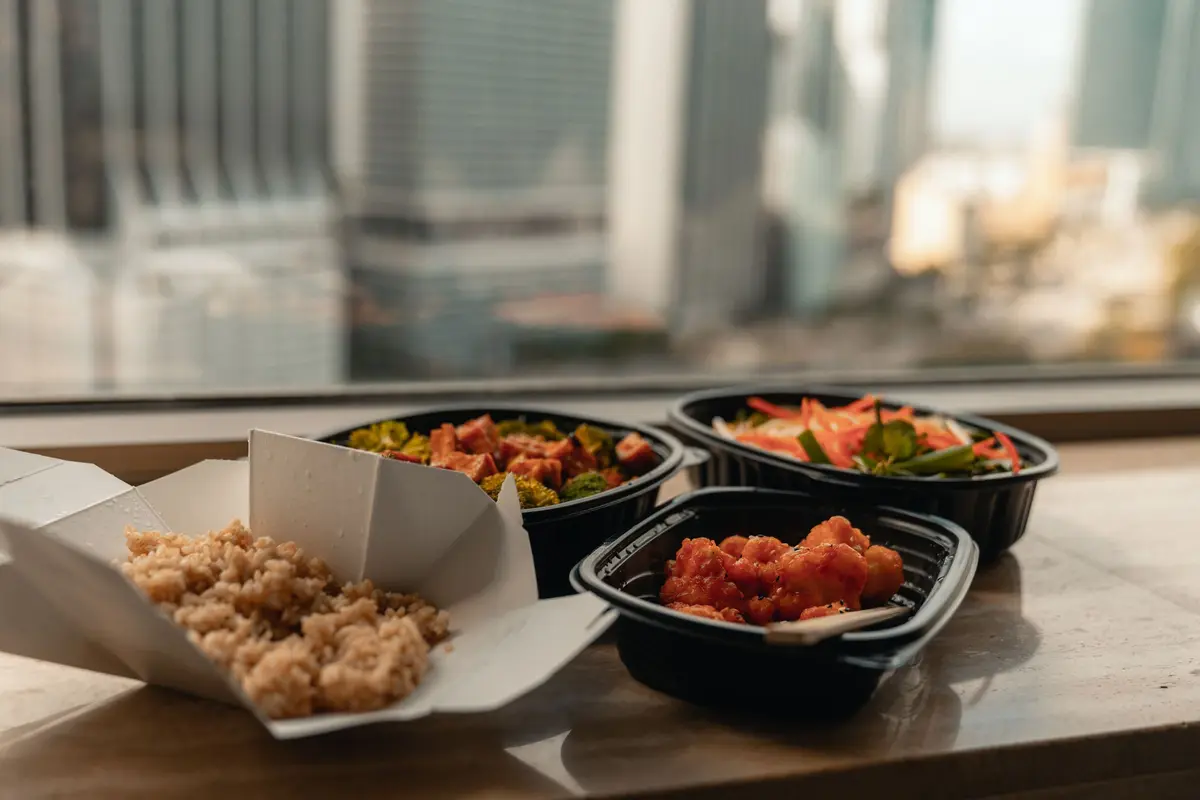
Put the card in app delivery bags first, not pickup bags. Delivery orders cost you the most, so moving them saves the most. Read your delivery app’s merchant agreement before you start, since it sets the terms for orders placed through that app.
Which direct-order perk can you afford?
The lowest-cost perk is a price you already charge. Eighty-three percent of limited-service operators told the association they charge more for app orders than at the counter. Among full-service operators, the share was 66%. If your app menu is marked up, your direct menu can simply use counter prices. The guest saves money, and you still keep more than an app order leaves you.
| Perk | What it costs you | Watch out for |
|---|---|---|
| Counter prices on the direct menu | Nothing beyond your usual counter margin | The app menu still has to cover its commission |
| A free side on direct orders | The food cost of one side | Guests who would have ordered the side anyway |
| Points in your loyalty program | The reward, when a guest redeems it | A program you have to run at every store |
Pick one perk and use it at every store, so guests who visit two stores see the same deal. Get your franchisor’s yes before you change a price or launch an offer. DoorDash pickup has its own condition, too. Its 6% pickup rate requires pickup menu prices to match in-store prices. For points, our guide to starting a loyalty program covers the costs.
What should a franchisee ask the brand first?
In many franchise systems, the brand owns the website, the ordering platform and sometimes the Google profiles. A franchisee may not be allowed to set up a separate ordering page. Some brands already run a direct channel and want stores to promote it. Ask before you build anything. A short email with the plan and a sample card is enough to start.
Questions to send your franchisor before you print cards
- Does the brand already run a direct ordering page we should promote?
- May each store add its own link to its Google profile?
- Can the direct menu use counter prices, and who sets them?
- Does the card need the brand’s approved artwork?
- Who owns the guest data from direct orders?
If the brand already has a direct channel, your job gets simpler. Print the brand’s link with a store code added, and skip the setup. Our guide to getting franchisor approval fast shows how to frame the request.
What does this look like across many stores?
The five stores without the card are what made the result readable. Without them, a busy month would have looked like a working card.
How do you know the card is moving regulars?
Count direct orders by store code each week. Compare the stores with cards against similar stores without them. Watch the app numbers too. If frequent customers fall on the app while direct orders rise, the card is moving the right guests. A vendor report adds a reason to care. Paytronix, which sells first-party ordering, found that guests ordering direct ordered 35% more than guests on third-party apps.
| Number | Where to find it | What you want |
|---|---|---|
| Direct orders with the store code | Your ordering page’s reports | A steady rise |
| Frequent customers on the app | DoorDash Customer Insights | A slow drop |
| New customers on the app | DoorDash Customer Insights | No drop |
| Average direct order size | Your ordering page’s reports | Steady or higher |
Give the test a full month before you judge it. A week of bad weather can swing delivery orders on its own. Our guide to tracking results without promo codes covers store-level comparisons in more detail. The same thinking applies when you check whether a creator brought you customers.
Where will new guests come from once regulars order direct?
The app keeps doing that job, as long as you stay on it. Other channels help too. A game-day crowd, covered in our football season guide, brings first-timers in. So does a short video of your food from someone local. Some restaurants use TikTok videos of one dish to start that search.
Sees your dish in a local video or on the app
orders once
Finds a card in the bag
orders again
Uses the store’s own link
keeps ordering
Gets the perk every time
A group that wants those videos without running them in-house can use CreatoRain. Its in-house team invites creators from its food-creator network to visit the group’s stores. The team pays them and follows up until each video is posted. Every store pays one flat rate, $300 a video, creator pay included. Ask each creator for a closing shot of the bag and the card. If guests appear on camera, our guide to filming customers covers asking first.
What can you run this month?
Start small and go in order. Set up the links first, because a card with a broken link wastes a regular’s goodwill. Clear the plan with the brand. Then test at a few stores before you print for all of them.
| Week | What to do |
|---|---|
| First | Check Customer Insights and pick the stores with the most regulars |
| Second | Send the plan to your franchisor and set up each store’s link |
| Third | Set your Google ordering link and print cards with store codes |
| Fourth | Start cards in delivery bags at the test stores and count direct orders |
Read the numbers after the fourth week. Roll the card out to the stores where regulars moved. Leave the rest alone, and keep the app working for new guests.
Sources and method
Where each number comes from
- “15%” — DoorDash Merchant Fees & Pricing (DoorDash for Merchants). Read October 8, 2026.
- “25%” — DoorDash Merchant Fees & Pricing (DoorDash for Merchants). Read October 8, 2026.
- “30%” — DoorDash Merchant Fees & Pricing (DoorDash for Merchants). Read October 8, 2026.
- “6%” — DoorDash Merchant Fees & Pricing (DoorDash for Merchants). Read October 8, 2026.
- “$40” — A round example order subtotal, chosen by us to show each channel’s cost in dollars. Measured October 8, 2026.
- “$10” — 25% Plus plan delivery commission × $40 subtotal = $10, using the rate on DoorDash’s pricing page. Measured October 8, 2026.
- “$6” — 15% Basic plan delivery commission × $40 subtotal = $6, using the rate on DoorDash’s pricing page. Measured October 8, 2026.
- “$2.40” — 6% pickup commission × $40 subtotal = $2.40, using the rate on DoorDash’s pricing page. Measured October 8, 2026.
- “$1.46” — Square’s online card rate on its paid plans, 2.9% × $40 = $1.16, plus 30¢ = $1.46. A card charge on the whole $40, with no commission. Measured October 8, 2026.
- “2.9%” — Pricing (Square). Read October 8, 2026.
- “30¢” — Pricing (Square). Read October 8, 2026.
- “68%” — Comments on online food delivery fees, with the Restaurant Delivery Survey (National Restaurant Association, 2026). Read October 8, 2026.
- “47%” — Comments on online food delivery fees, with the Restaurant Delivery Survey (National Restaurant Association, 2026). Read October 8, 2026.
- “43%” — Comments on online food delivery fees, with the Restaurant Delivery Survey (National Restaurant Association, 2026). Read October 8, 2026.
- “Eighty-three percent” — Comments on online food delivery fees, with the Restaurant Delivery Survey (National Restaurant Association, 2026). Read October 8, 2026.
- “66%” — Comments on online food delivery fees, with the Restaurant Delivery Survey (National Restaurant Association, 2026). Read October 8, 2026.
- “5 business days” — Manage food ordering on your Business Profile (Google Business Profile Help). Read October 8, 2026.
- “35%” — Guests Order 35% More per Check With Online Ordering (Paytronix press release, July 29, 2024). Read October 8, 2026.
- “$300” — As published on our pricing page.
Pages quoted in this article
- DoorDash Merchant Fees & Pricing (DoorDash for Merchants) Read October 8, 2026.
- Direct Ordering System for Restaurants by DoorDash (DoorDash for Merchants) Read October 8, 2026.
- How Merchants Can Review Customer Analytics (DoorDash Merchant Support) Read October 8, 2026.
- Manage food ordering on your Business Profile (Google Business Profile Help) Read October 8, 2026.
- Pricing (Square) Read October 8, 2026.
- Comments on online food delivery fees, with the Restaurant Delivery Survey (National Restaurant Association, 2026) Read October 8, 2026.
- Guests Order 35% More per Check With Online Ordering (Paytronix press release, July 29, 2024) Read October 8, 2026.
Related questions
All 4 guides on Delivery & catering →Run more than one location? See how CreatoRain works for restaurant chains. See real campaigns in our case studies.